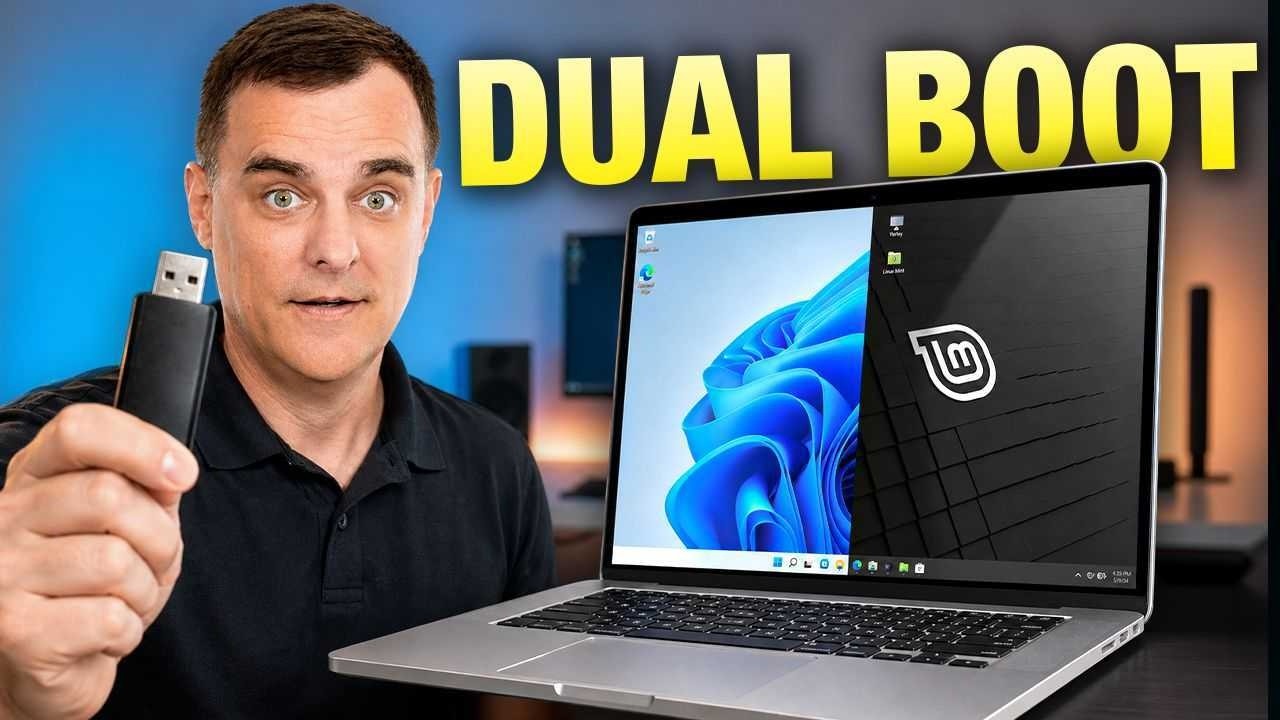
How to Dual Boot Windows 11 and Linux Mint
In this video, I walk you through the entire process of dual booting Windows and Linux Mint on a modern laptop, installing them side-by-side on the same drive. I show you how to download the Linux Mint ISO, use Rufus to create a bootable USB drive, and partition your existing drive using Windows Disk Management. Because modern hardware introduces specific roadblocks, I also cover the essential troubleshooting steps required before installation. You will see exactly how to back up your recovery keys, fully disable Windows BitLocker encryption, and navigate your BIOS/UEFI settings to turn off Secure Boot so that your Linux Mint installation does not fail.
Big thank you to Geekom for sponsoring this video. To get a discount on your Geekom X14 Pro and Geekom A5 Mini PC use the following codes. For my UK audience, the laptop is not available in the UK as yet:
For GeekBook X14 Pro:
10% Coupon: BOMGBOOK10
X14 Pro US Amazon: https://www.amazon.com/dp/B0FZ9THFGK?maas=maas_adg_8CCE02A37FFED65C93D2DD96C56C4131_afap_abs&ref_=aa_maas&tag=maas&th=1
X14 Pro US Official: https://www.geekompc.com/geekbook-x14-pro-laptop-14-inch/?mtm_campaign=YTGeekbook&mtm_kwd=BOMGBOOK10
For GEEKOM A5 Mini PC:
6% Coupon: A5DAVIDYT
UK Official: https://www.geekom.co.uk/geekom-a5-mini-pc?mtm_campaign=YTA5&mtm_kwd=A5DAVIDYT
UK Amazon: https://www.amazon.co.uk/dp/B0DLW9VY2N?maas=maas_adg_6EA8A492F0B0C3686936F300BED6F31C_afap_abs&ref_=aa_maas&tag=maas
// Website REFERENCE //
https://rufus.ie/en/
https://linuxmint.com/
// David's SOCIAL //
Discord: https://discord.com/invite/usKSyzb
X: https://www.twitter.com/davidbombal
Instagram: https://www.instagram.com/davidbombal
LinkedIn: https://www.linkedin.com/in/davidbombal
Facebook: https://www.facebook.com/davidbombal.co
TikTok: http://tiktok.com/@davidbombal
YouTube: https://www.youtube.com/@davidbombal
Spotify: https://open.spotify.com/show/3f6k6gERfuriI96efWWLQQ
SoundCloud: https://soundcloud.com/davidbombal
Apple Podcast: https://podcasts.apple.com/us/podcast/david-bombal/id1466865532
// MY STUFF //
https://www.amazon.com/shop/davidbombal
// SPONSORS //
Interested in sponsoring my videos? Reach out to my team here: sponsors@davidbombal.com
// MENU //
0:00 - Intro
02:27 - Demo Setup
04:15 - Disclaimer Before Starting
04:52 - Disabling BitLocker
08:06 - Setting Up The Laptop for Linux Mint
11:54 - Resizing Partitions
12:45 - Booting for Linux Mint
13:25 - Installing Linux Mint
17:23 - Testing Linux Mint Programs
19:07 - Booting Between Linux and Windows
20:12 - Conclusion
Please note that links listed may be affiliate links and provide me with a small percentage/kickback should you use them to purchase any of the items listed or recommended. Thank you for supporting me and this channel!
Disclaimer: This video is for educational purposes only.
#linux #mint #dualboot
Big thank you to Geekom for sponsoring this video. To get a discount on your Geekom X14 Pro and Geekom A5 Mini PC use the following codes. For my UK audience, the laptop is not available in the UK as yet:
For GeekBook X14 Pro:
10% Coupon: BOMGBOOK10
X14 Pro US Amazon: https://www.amazon.com/dp/B0FZ9THFGK?maas=maas_adg_8CCE02A37FFED65C93D2DD96C56C4131_afap_abs&ref_=aa_maas&tag=maas&th=1
X14 Pro US Official: https://www.geekompc.com/geekbook-x14-pro-laptop-14-inch/?mtm_campaign=YTGeekbook&mtm_kwd=BOMGBOOK10
For GEEKOM A5 Mini PC:
6% Coupon: A5DAVIDYT
UK Official: https://www.geekom.co.uk/geekom-a5-mini-pc?mtm_campaign=YTA5&mtm_kwd=A5DAVIDYT
UK Amazon: https://www.amazon.co.uk/dp/B0DLW9VY2N?maas=maas_adg_6EA8A492F0B0C3686936F300BED6F31C_afap_abs&ref_=aa_maas&tag=maas
// Website REFERENCE //
https://rufus.ie/en/
https://linuxmint.com/
// David's SOCIAL //
Discord: https://discord.com/invite/usKSyzb
X: https://www.twitter.com/davidbombal
Instagram: https://www.instagram.com/davidbombal
LinkedIn: https://www.linkedin.com/in/davidbombal
Facebook: https://www.facebook.com/davidbombal.co
TikTok: http://tiktok.com/@davidbombal
YouTube: https://www.youtube.com/@davidbombal
Spotify: https://open.spotify.com/show/3f6k6gERfuriI96efWWLQQ
SoundCloud: https://soundcloud.com/davidbombal
Apple Podcast: https://podcasts.apple.com/us/podcast/david-bombal/id1466865532
// MY STUFF //
https://www.amazon.com/shop/davidbombal
// SPONSORS //
Interested in sponsoring my videos? Reach out to my team here: sponsors@davidbombal.com
// MENU //
0:00 - Intro
02:27 - Demo Setup
04:15 - Disclaimer Before Starting
04:52 - Disabling BitLocker
08:06 - Setting Up The Laptop for Linux Mint
11:54 - Resizing Partitions
12:45 - Booting for Linux Mint
13:25 - Installing Linux Mint
17:23 - Testing Linux Mint Programs
19:07 - Booting Between Linux and Windows
20:12 - Conclusion
Please note that links listed may be affiliate links and provide me with a small percentage/kickback should you use them to purchase any of the items listed or recommended. Thank you for supporting me and this channel!
Disclaimer: This video is for educational purposes only.
#linux #mint #dualboot

David Bombal
Want to learn about IT? Want to get ahead in your career? Well, this is the right place!
On this channel, I discuss Linux, Python, Ethical Hacking, Networking, CCNA, Virtualization and other IT related topics.
This YouTube channel has new videos upload...