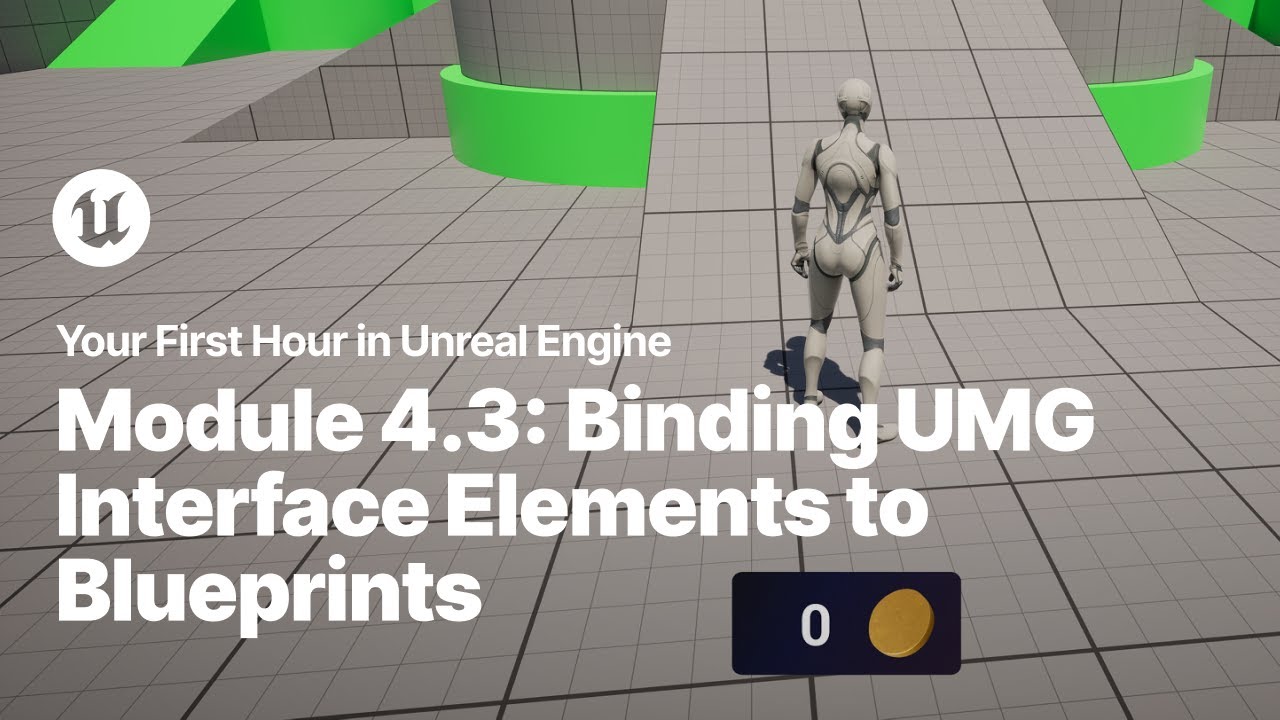
Binding UMG Interface Elements to Blueprints
Just starting your journey using Unreal Engine? This beginner tutorial series, created in partnership with Luke Anderton of Tinkr Studios, will show you how to get started while helping you start building your first 3d platforming game!
In this video, you will learn how to bind elements of a UMG interface widget to variables in your code so that your interface can update in real time.
YFHIU Tutorial Page: https://dev.epicgames.com/documentation/en-us/unreal-engine/module-4-build-a-hud-with-unreal-motion-graphics
Additional Resources:
Blueprint Visual Scripting: https://dev.epicgames.com/documentation/en-us/unreal-engine/blueprints-visual-scripting-in-unreal-engine
Building Your UI: https://dev.epicgames.com/documentation/en-us/unreal-engine/building-your-ui-in-unreal-engine
In this video, you will learn how to bind elements of a UMG interface widget to variables in your code so that your interface can update in real time.
YFHIU Tutorial Page: https://dev.epicgames.com/documentation/en-us/unreal-engine/module-4-build-a-hud-with-unreal-motion-graphics
Additional Resources:
Blueprint Visual Scripting: https://dev.epicgames.com/documentation/en-us/unreal-engine/blueprints-visual-scripting-in-unreal-engine
Building Your UI: https://dev.epicgames.com/documentation/en-us/unreal-engine/building-your-ui-in-unreal-engine

Unreal Engine
Welcome to the official Unreal Engine channel!
Unreal Engine is a complete suite of real-time 3D tools made by developers, for developers. Create and take your content anywhere, from PC, console, mobile and VR games to cinematic experiences, visualizatio...