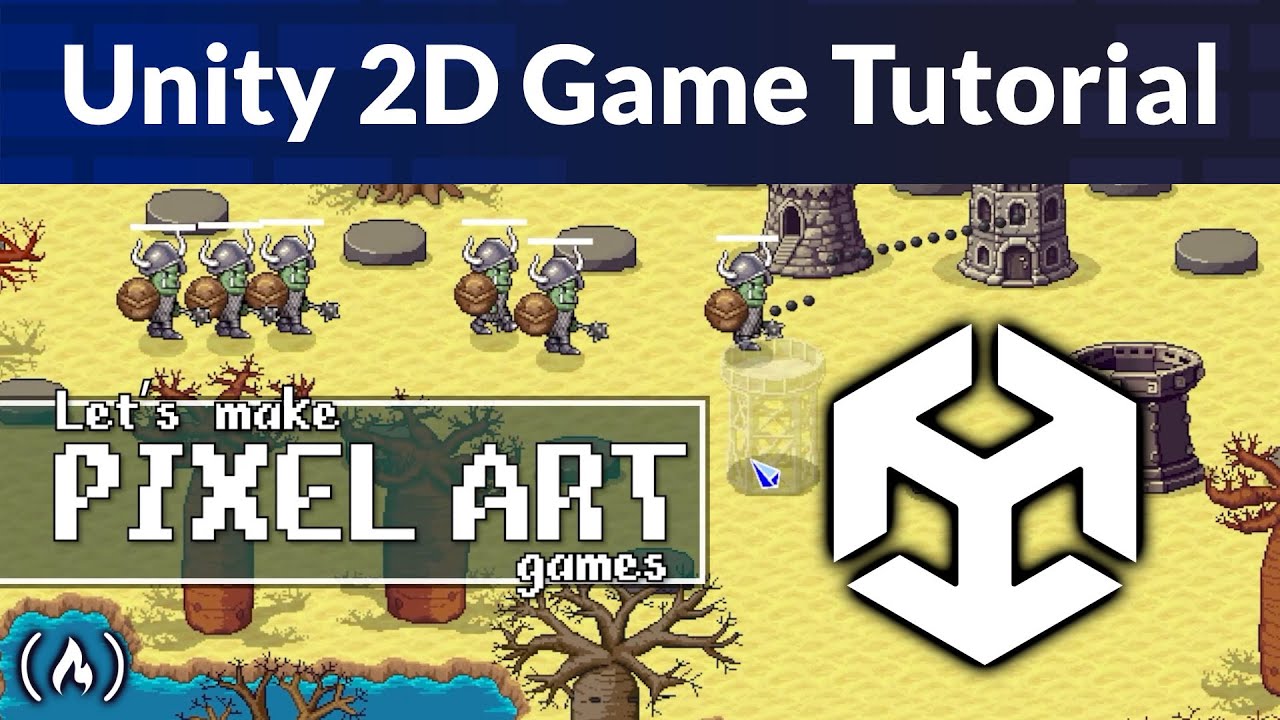
Unity 2D Pixel Art Game Tutorial
Learn how to build a complete 2D Pixel Art Tower Defense game in Unity from scratch! This step-by-step tutorial guides you from a blank project to a fully playable game with a main menu, multiple tower types, enemy waves, and three unique levels.
You’ll learn how to create a modular, data-driven system using Scriptable Objects to manage towers, enemies, and waves, plus how to design forest, lava, and jungle levels with Unity Tilemaps.
Course from @Frankslaboratory
Resources:
Main project files: https://codelaboratory.itch.io/pixel-tower-defenders-asset-pack
Fonts:
https://little-martian.itch.io/phased-font
https://caffinate.itch.io/fibberish
Characters: https://liberatedpixelcup.github.io/Universal-LPC-Spritesheet-Character-Generator/
Tiles: https://opengameart.org/content/lpc-terrain-repack
Trees:
https://opengameart.org/content/lpc-jungle
https://opengameart.org/content/lpc-baobabs
Source code: https://www.frankslaboratory.co.uk/downloads/16/source_code/source_code.zip
⭐️ Chapters ⭐️
– 0:00:00 Course Introduction and Project Overview
– 0:01:40 Setting Up the Project and Art Assets
– 0:02:41 Creating Game Objects and Using Transform
– 0:04:31 Working with Prefabs for Reusable Assets
– 0:05:40 Introduction to C# and MonoBehavior
– 0:08:30 Creating a Path System with Waypoint Arrays
– 0:09:43 Using OnDrawGizmos to Visualize the Path
– 0:14:15 Enemy Setup and Basic Movement Logic
– 0:16:54 Understanding Life Cycle Methods (OnEnable, Awake)
– 0:18:10 Implementing Time.deltaTime for Consistent Speed
– 0:19:30 Pathfinding: Moving Enemies from Waypoint to Waypoint
– 0:24:00 Deactivating Enemies at the End of the Path
– 0:25:55 Creating an Enemy Spawner
– 0:29:19 Optimizing Performance with Object Pooling
– 0:30:26 Building the Object Pooler Script
– 0:38:49 Adding Multiple Enemy Types
– 0:45:00 Data-Driven Design with Scriptable Objects
– 0:50:00 Defining Enemy Waves with Wave Data
– 0:56:33 Using Dictionaries to Link Data to Object Pools
– 1:05:53 Creating Endless Wave Loops with Modulo
– 1:09:43 Implementing the Observer Pattern for Events
– 1:16:09 Adding Customizable Breaks Between Waves
– 1:21:16 UI Setup: Displaying Wave Numbers with TextMeshPro
– 1:30:51 Tracking and Displaying Player Lives
– 1:44:05 Tower Defense: Adding and Configuring Towers
– 1:48:15 Visualizing Tower Range with Colliders
– 1:54:39 Physics and Collision Detection (Rigidbody 2D)
– 1:57:40 Projectile Logic: Aiming and Shooting
– 2:08:41 Managing Tower Damage and Health Scaling
– 2:18:38 Creating Dynamic Health Bars
– 2:33:01 Implementing Resource and Currency Systems
– 2:43:10 Organizing Sorting Layers for 2D Rendering
– 3:02:15 UI Panels: The Tower Selection Menu
– 3:08:24 Detecting Clicks with the New Input System
– 3:16:30 Pausing the Game with Time.timeScale
– 3:20:10 Dynamic UI: Generating Tower Choice Cards
– 3:41:06 Preventing Build Overlap and Resource Logic
– 3:47:33 Coroutines: Displaying Temporary Warning Messages
– 3:57:00 Game Speed Controls (Slow, Normal, Fast Forward)
– 4:15:39 Creating the Pause and Main Menu Scenes
– 4:31:41 Scene Management: Loading and Restarting Levels
– 4:42:40 Implementing Game Over and Win Conditions
– 4:48:50 Exporting and Building for Windows
– 5:23:44 Advanced Persistence: Don't Destroy On Load
– 5:43:00 Level Design: Creating Levels 2 and 3
– 5:52:05 Audio Management: SFX and Background Music
– 6:33:36 Mobile Development: Touch Controls and Simulator
– 6:56:40 Adding Custom Fonts to the Entire UI
– 8:18:02 Professional Level Design with Tilemaps
– 9:17:52 Adding Visual Polish with Particle Systems
– 9:34:00 WebGL: Publishing Your Game Online
You’ll learn how to create a modular, data-driven system using Scriptable Objects to manage towers, enemies, and waves, plus how to design forest, lava, and jungle levels with Unity Tilemaps.
Course from @Frankslaboratory
Resources:
Main project files: https://codelaboratory.itch.io/pixel-tower-defenders-asset-pack
Fonts:
https://little-martian.itch.io/phased-font
https://caffinate.itch.io/fibberish
Characters: https://liberatedpixelcup.github.io/Universal-LPC-Spritesheet-Character-Generator/
Tiles: https://opengameart.org/content/lpc-terrain-repack
Trees:
https://opengameart.org/content/lpc-jungle
https://opengameart.org/content/lpc-baobabs
Source code: https://www.frankslaboratory.co.uk/downloads/16/source_code/source_code.zip
⭐️ Chapters ⭐️
– 0:00:00 Course Introduction and Project Overview
– 0:01:40 Setting Up the Project and Art Assets
– 0:02:41 Creating Game Objects and Using Transform
– 0:04:31 Working with Prefabs for Reusable Assets
– 0:05:40 Introduction to C# and MonoBehavior
– 0:08:30 Creating a Path System with Waypoint Arrays
– 0:09:43 Using OnDrawGizmos to Visualize the Path
– 0:14:15 Enemy Setup and Basic Movement Logic
– 0:16:54 Understanding Life Cycle Methods (OnEnable, Awake)
– 0:18:10 Implementing Time.deltaTime for Consistent Speed
– 0:19:30 Pathfinding: Moving Enemies from Waypoint to Waypoint
– 0:24:00 Deactivating Enemies at the End of the Path
– 0:25:55 Creating an Enemy Spawner
– 0:29:19 Optimizing Performance with Object Pooling
– 0:30:26 Building the Object Pooler Script
– 0:38:49 Adding Multiple Enemy Types
– 0:45:00 Data-Driven Design with Scriptable Objects
– 0:50:00 Defining Enemy Waves with Wave Data
– 0:56:33 Using Dictionaries to Link Data to Object Pools
– 1:05:53 Creating Endless Wave Loops with Modulo
– 1:09:43 Implementing the Observer Pattern for Events
– 1:16:09 Adding Customizable Breaks Between Waves
– 1:21:16 UI Setup: Displaying Wave Numbers with TextMeshPro
– 1:30:51 Tracking and Displaying Player Lives
– 1:44:05 Tower Defense: Adding and Configuring Towers
– 1:48:15 Visualizing Tower Range with Colliders
– 1:54:39 Physics and Collision Detection (Rigidbody 2D)
– 1:57:40 Projectile Logic: Aiming and Shooting
– 2:08:41 Managing Tower Damage and Health Scaling
– 2:18:38 Creating Dynamic Health Bars
– 2:33:01 Implementing Resource and Currency Systems
– 2:43:10 Organizing Sorting Layers for 2D Rendering
– 3:02:15 UI Panels: The Tower Selection Menu
– 3:08:24 Detecting Clicks with the New Input System
– 3:16:30 Pausing the Game with Time.timeScale
– 3:20:10 Dynamic UI: Generating Tower Choice Cards
– 3:41:06 Preventing Build Overlap and Resource Logic
– 3:47:33 Coroutines: Displaying Temporary Warning Messages
– 3:57:00 Game Speed Controls (Slow, Normal, Fast Forward)
– 4:15:39 Creating the Pause and Main Menu Scenes
– 4:31:41 Scene Management: Loading and Restarting Levels
– 4:42:40 Implementing Game Over and Win Conditions
– 4:48:50 Exporting and Building for Windows
– 5:23:44 Advanced Persistence: Don't Destroy On Load
– 5:43:00 Level Design: Creating Levels 2 and 3
– 5:52:05 Audio Management: SFX and Background Music
– 6:33:36 Mobile Development: Touch Controls and Simulator
– 6:56:40 Adding Custom Fonts to the Entire UI
– 8:18:02 Professional Level Design with Tilemaps
– 9:17:52 Adding Visual Polish with Particle Systems
– 9:34:00 WebGL: Publishing Your Game Online

freeCodeCamp.org
Learn to code for free....